Six native targets
Windows, macOS and Linux, x64 and ARM64. No .NET or WebView installation required.
 DivineLabs
An installation engine for Windows, macOS and Linux. Embed it in your launcher, compose your own screens or ship DivineLabs Classic from JSON.
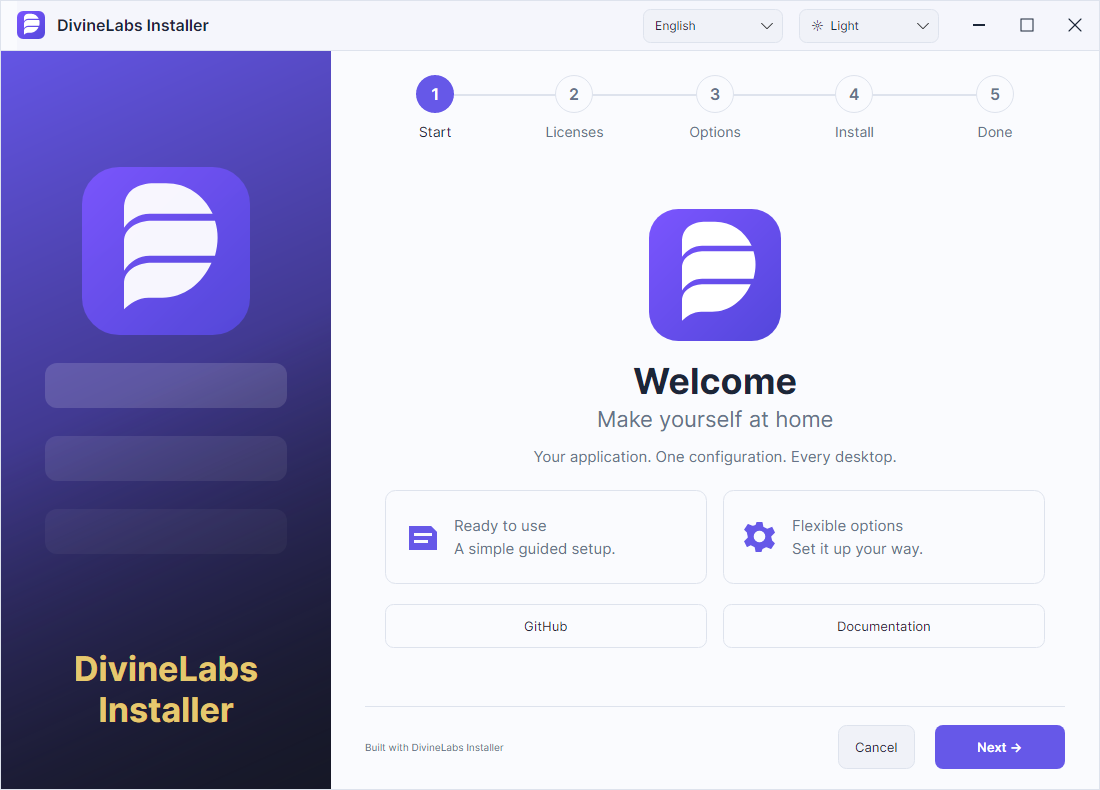
Rendered from the actual application. Setup and removal follow the Idle Slayer design.
Windows, macOS and Linux, x64 and ARM64. No .NET or WebView installation required.
Name, version, files, entry point, icon, cover and license in a single JSON file.
Transactional updates, rollback, interrupted-process recovery and user-data retention.
Public API for setup, updates, cancellation, rollback and removal in your launcher.
Example and API ↗Reusable Avalonia controls: steps, directory picker and progress. Your UI and navigation.
Example and API ↗Complete setup and uninstall design. Host the template library or build from configuration.
Example and API ↗Extract the SDK, keeping runtime/ next to divinepack. These commands build a working demo. Then replace the application files and edit the config.
./divinepack init --dir my-installer
./divinepack validate --config my-installer/installer.json
./divinepack build --config my-installer/installer.json --runtime linux-x64 --output my-output
In PowerShell use .\divinepack.exe and win-x64. On macOS choose osx-arm64 or osx-x64. Native OS graphics dependencies still apply.
Choose the SDK for the machine that builds your installer.
| Platform | x64 | ARM64 |
|---|---|---|
| Windows | x64 | ARM64 |
| macOS | x64 | ARM64 |
| Linux | x64 | ARM64 |
Early preview: output is an archive to extract before launch. Single-file self-extracting EXE, MSI, PKG, DEB/RPM, built-in signing and automatic update delivery are not implemented. Symlink payloads are rejected. UI: English and Russian; documentation: five languages.